

- Mark as New
- Bookmark
- Subscribe
- Mute
- Subscribe to RSS Feed
- Highlight
- Report Inappropriate Content
on 07-12-2018 08:25 PM
If scanning isn't possible, I tend to find tracking numbers in a single lot of pre-paid items are sequential. eg With the tracked letters being trialed, when I have several to upload, I type one out, then copy / paste it to the other, as then I only need to change the last 4-5 digits.


- Mark as New
- Bookmark
- Subscribe
- Mute
- Subscribe to RSS Feed
- Highlight
- Report Inappropriate Content
on 08-12-2018 10:32 PM
@tazzieterror wrote:
Download the Aus Post app - it scans both QR and barcodes.
ok thanks tazzieterror - have downloaded and will check it out....Presume I may have to enter buyers details though so I will see how I go..... Thanks!
- Mark as New
- Bookmark
- Subscribe
- Mute
- Subscribe to RSS Feed
- Highlight
- Report Inappropriate Content
on 08-12-2018 10:34 PM
@digital*ghost wrote:If scanning isn't possible, I tend to find tracking numbers in a single lot of pre-paid items are sequential. eg With the tracked letters being trialed, when I have several to upload, I type one out, then copy / paste it to the other, as then I only need to change the last 4-5 digits.
Thanks digital*ghost - have done so sometimes but as I use 500g,1kg and 5kg [ some express and some normal ] its not always effective - but thanks!


- Mark as New
- Bookmark
- Subscribe
- Mute
- Subscribe to RSS Feed
- Highlight
- Report Inappropriate Content
on 09-12-2018 05:25 PM
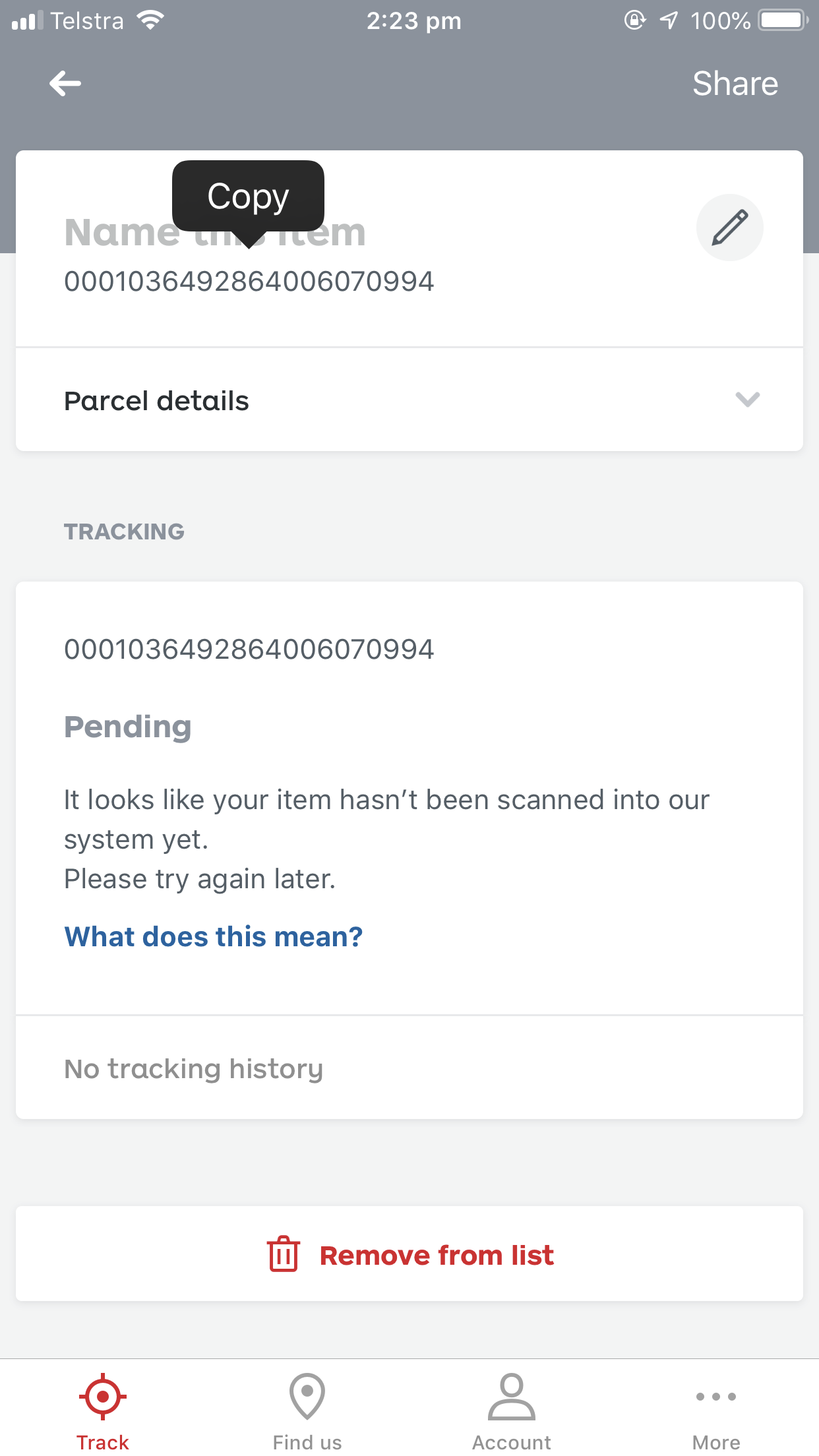
if you have the "MyPost" app on an Apple phone, you can scan the QR code on the new satchels by clicking "Add" in the top right hand corner and using the same old "scan barcode function." it will put the tracking number in using the QR code. if you then hold down your finger over the tracking number, you can copy it - then paste it ebay :]
- Mark as New
- Bookmark
- Subscribe
- Mute
- Subscribe to RSS Feed
- Highlight
- Report Inappropriate Content
on 10-12-2018 10:09 PM
Thanks Im-entertainment...SO much easier! problem soved - thanks all!


- Mark as New
- Bookmark
- Subscribe
- Mute
- Subscribe to RSS Feed
- Highlight
- Report Inappropriate Content
on 06-05-2019 10:59 AM


- Mark as New
- Bookmark
- Subscribe
- Mute
- Subscribe to RSS Feed
- Highlight
- Report Inappropriate Content
on 06-05-2019 07:38 PM
I just wanted to mention that there is the option of buying your computer a barcode scanner like this one for $45
I can't actually vouch for it becuase I've not yet gotten around to buying a QR scanner, but it is the type needed, and this is probably the one I would buy.
These sorts of devices are usually just plug it in and scan a list of barcodes that are in the manual. So, easy to install.
Be wary of anything cheaper, there are lots of listings that say they are QR scanners, but clearly (to someone who knows the difference) they are not. They only do the older barcodes.
Some scanners do only older barcodes, and newer scanners do both. In other words, you could use this scanner on any barcode which would also be helpful for things like the MPN requirements for some categories.

- Mark as New
- Bookmark
- Subscribe
- Mute
- Subscribe to RSS Feed
- Highlight
- Report Inappropriate Content
on 22-11-2024 10:40 AM
Hi
Yes having the same problem. When I scan QR code too many numbers show and is not recognised when sent to customer by Aus Post. Need a scanner that will enable me to remove a heap of numbers at the start. Satchels have 22 numbers but when I scan the barcode it adds another heap of numbers at the start
