Options
- Mark as New
- Bookmark
- Subscribe
- Mute
- Subscribe to RSS Feed
- Highlight
- Report Inappropriate Content
on 14-04-2023 08:48 PM
Ok, so I did some further research and I believe it is a printer settings issue (as mentioned by eol-products). It was suggested to disable the advanced setting "Print as an image", this changes the format of the file so that the printer recognises the barcode.
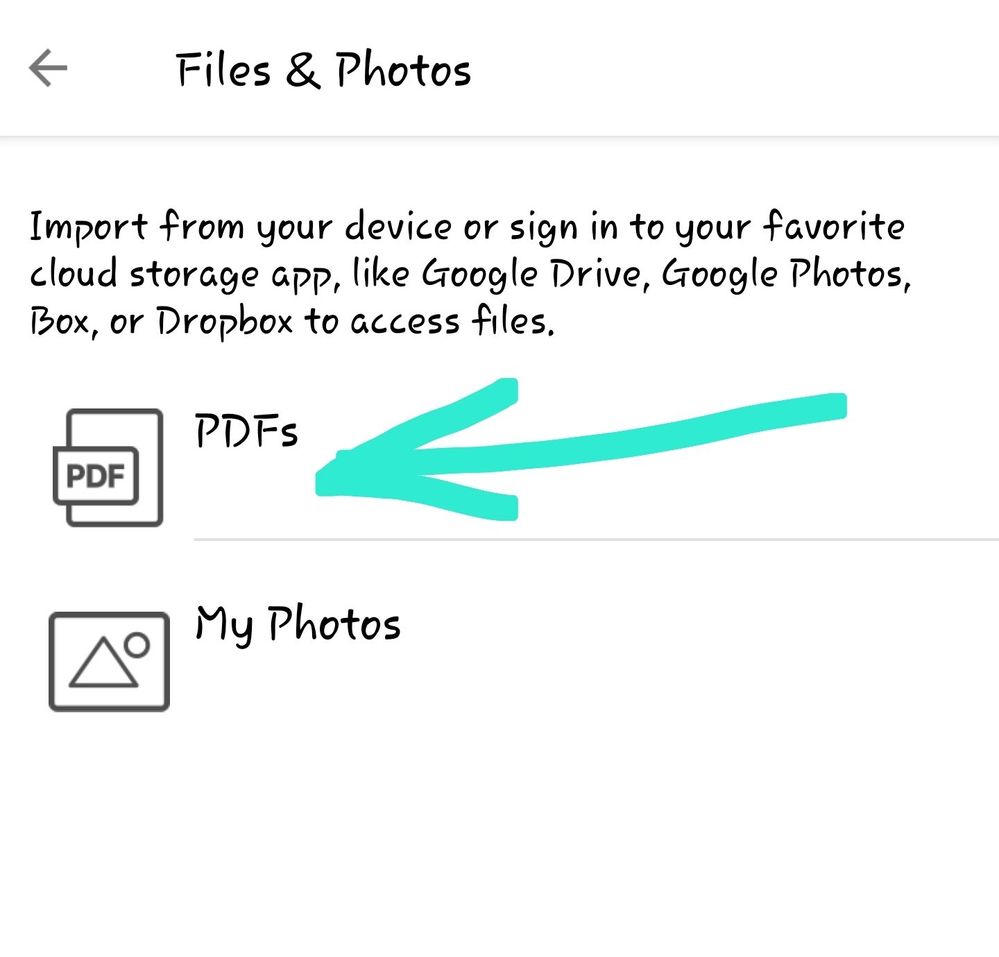
I printed the PDF via my HP Smart app on my phone (as a PDF document) and it worked!!
Thanks eol-products for your help 😁